Goodstead brings building and in-unit inspections, photos, and follow-up work into one record. See what your team found and what still needs fixing, without chasing updates.
See a building inspection from check to follow-up.
Give your team a clear inspection routine.
Choose what needs checking and the evidence you want recorded. Your team follows the checklist on their phones, with photos and notes attached to each inspection.
01
Choose your areas and units
Choose the common areas, mechanical rooms, grounds, and individual units your team needs to inspect.
02
Set the checks
Tailor each checklist to the area and your company’s standards. Specify the photos and notes staff should capture.
03
Inspect and record findings
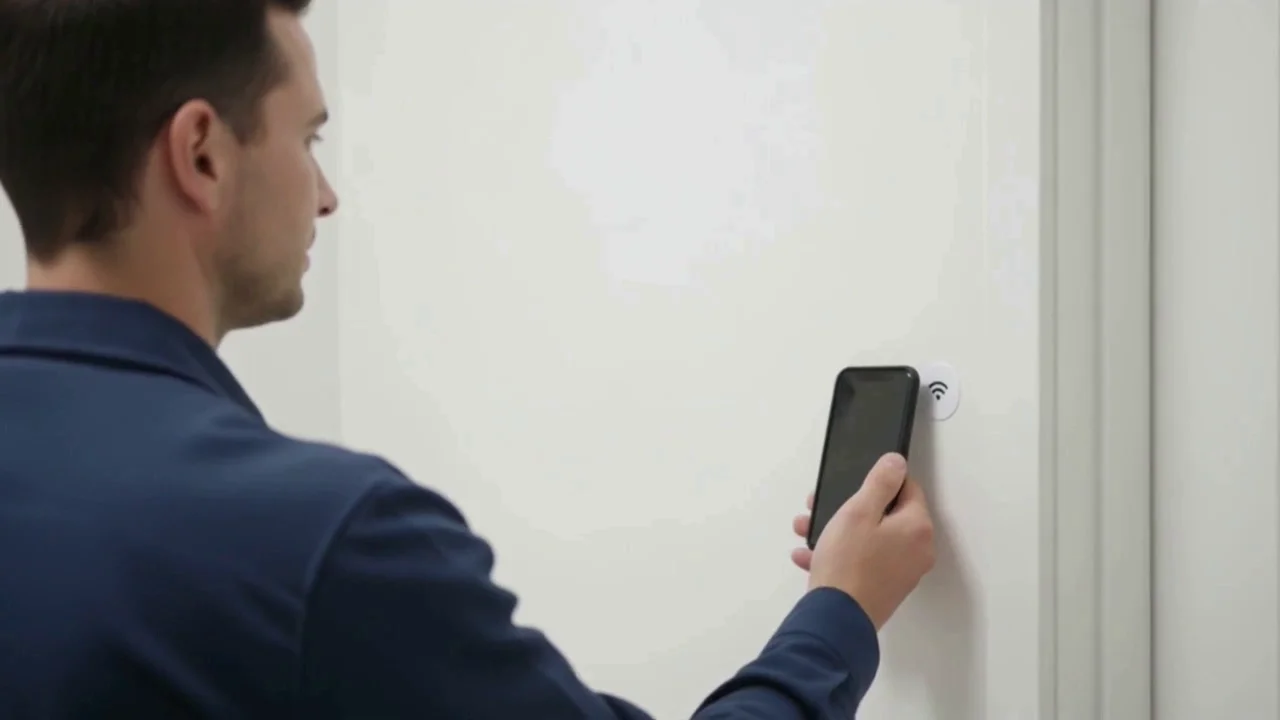
Staff open the inspection, answer the checks, and add evidence. Optional NFC tags open the area’s checklist and record a checkpoint visit.
Keep the finding with the repair.
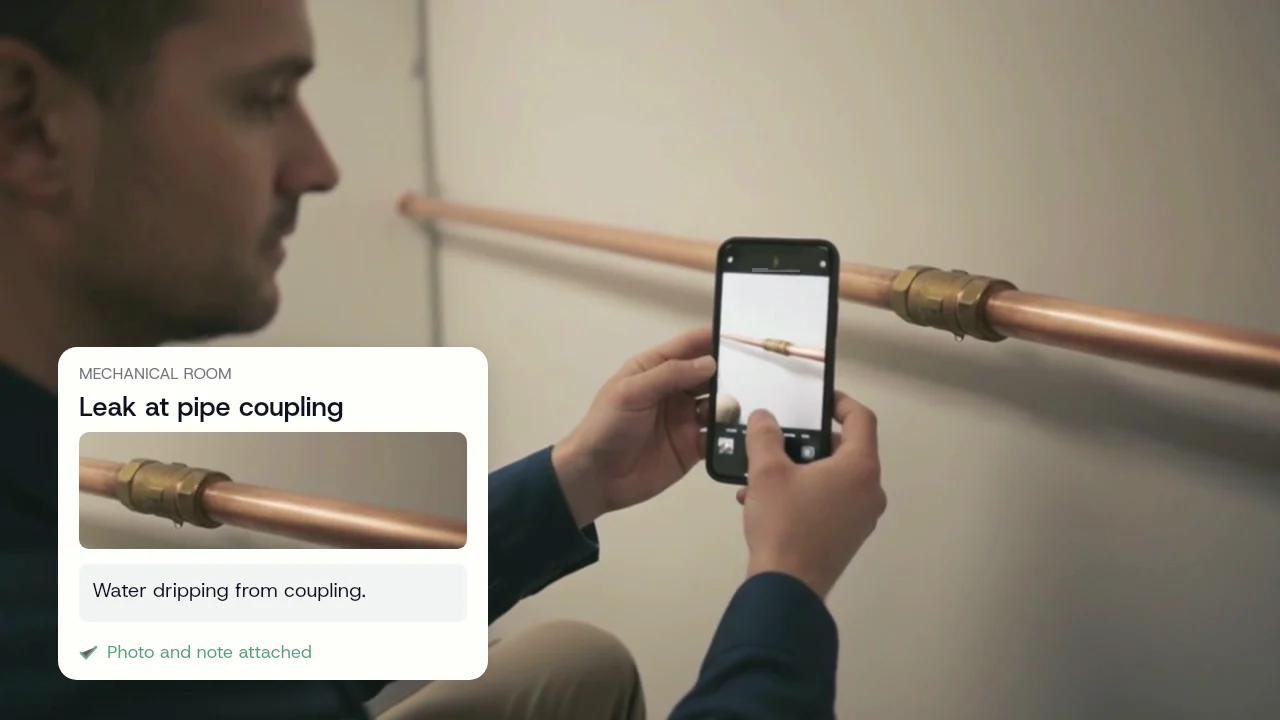
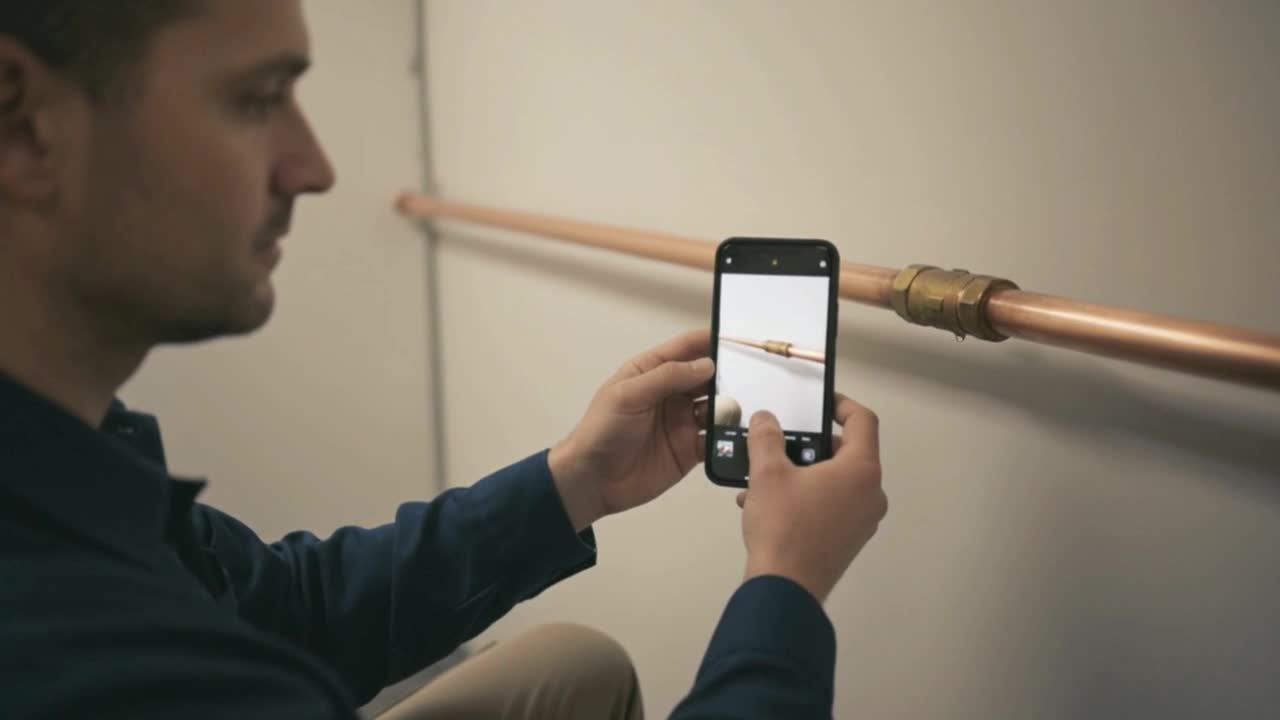
Record the problem while your team is there. The photo, note, and location stay with it when the finding becomes a follow-up task.
Know when it was found
Capture times stay with each answer and photo. The reviewer sees the record once it syncs.
Know where to send help
Each finding points to the area or unit and the inspector who recorded it.
Give the repair a next step
Set answers to create follow-up tasks automatically. Assign the work and track it through completion.
Example inspection · Maple Court
Mechanical room · 9:38 AM
Finding → Follow-up task
Repair pipe coupling
“Water dripping from coupling.”
Recorded by Alex Morgan · Photo attached
Evidence carried into the repair task
The right checks for each area.
Tailor checklists to each area and your company’s standards. A unit, lobby, and mechanical room each get the checks that belong there. We review tasks used by experienced property managers to help build thorough checklists.
Optional NFC checkpoints
Open inspections directly, or tap an area’s tag to open its checklist and record the visit.
Checks for that location
The area’s checklist guides the inspector through what to check and what evidence to capture.
Example inspection
Maple Court · Unit 204
In-unit inspection · Alex Morgan
Kitchen plumbingLeak noted
Windows and doorsChecked
Walls and ceilingsChecked
Repair follow-up created
Drip under the kitchen sink. Photo and inspector note attached.
Opened on the phone · No NFC tag needed
Check 3 of 6PHOTO EXPECTED
Visible leaks?
Yes
No
Not sure
Photos, notes, and gaps stay visible.
Answers, photos, and notes stay attached to the area they came from. If expected evidence is missing, the inspection can still be submitted and the record flags the gap.
Keep working offline
Download the inspection before leaving signal, then keep recording answers, photos, and notes.
Know what has synced
See what is saved on the phone and what has reached the supervisor, including photos still uploading.
Create follow-ups from the inspection.
Set inspection answers to create follow-up tasks automatically. With AI enabled, Goodstead also reviews answers and notes to suggest additional work that may need attention. Supervisors review the findings and decide what to prioritize.
Follow-up with context
Photos, notes, and who found it travel with the task.
Review AI suggestions
Suggestions are labeled and linked to the answers and notes that prompted them.
Maple Court
Ready to review
Areas
18 checked
Evidence
17 of 18
Opened
1 follow-up
1 expected photo missing · Follow-up open
Inspection submitted9:42
Evidence attached9:43
Follow-up opened9:45
See completed work and overdue checks.
Review completed and overdue inspections, see where evidence is missing, and track repairs through completion. Share the inspection report without chasing staff for updates.
My Work
No signal
UpcomingOverdueCompleted
Maple CourtWeekly building inspectionToday
Maple Court · Unit 204In-unit inspectionTomorrow
Maple CourtRoof and groundsFriday
A clear work list for staff
Load the day's work before the inspector loses signal. The inspection keeps going in a basement or mechanical room.
Built for the buildings you can't visit every day.
Goodstead started with a property operator. Their larger buildings had onsite staff and inspection systems. The smaller ones had a clipboard and trust.
Short of driving over to ask, there was no way to know whether Tuesday's inspection happened. That mattered most at the buildings nobody was standing in.
Use Goodstead for routine building checks and in-unit inspections. Customize the checklist for the work, then keep the findings and repairs together.
UNIT 204
In-unit inspections
Prepare for Section 8 inspections with the checks your team needs. Document unit conditions, capture evidence, and track repairs through completion.
MR-01
Critical infrastructure
Mechanical rooms, utility spaces, roofs, and basements where missed work becomes operational, safety, insurance, or lender risk.
CA-01
Common and shared spaces
Entrances, corridors, amenities, and shared spaces, each with the instructions that belong there.
EX-01
Exterior and grounds
Exterior, roofline, grounds, and hard-to-reach areas stay in the same inspection.
Before your first inspection.
Do we need NFC tags to use Goodstead?
No. Staff can open inspections directly on their phones. If you want a checkpoint record, add an NFC tag to an area: a tap records the inspector and time and opens the right checklist. You can start without tags.
Can we use it for in-unit and Section 8 preparation inspections?
Yes. Customize a checklist for an individual unit, including the checks your team uses to prepare for Section 8 inspections. Capture photos and notes, create follow-up tasks for repairs, and share a report of what was checked and the work completed.
What does AI help with?
When enabled, AI reviews completed inspection answers and notes, along with area details and recent follow-up history, to suggest additional work that may need attention. Suggestions are labeled and linked to the inspection evidence so supervisors can review them and decide what to prioritize.
Will our maintenance team actually use this?
Your team opens an inspection on their phone, answers the checklist, and adds photos or notes where needed. NFC tags are optional. Download the assigned inspection before leaving signal to keep working offline. Start with one building to see how it fits your team’s routine.
What happens if someone skips a check?
An inspection can be submitted with missing answers, photos, or notes. Those gaps stay flagged in the record, and overdue inspections remain visible. Work saved offline reaches the reviewer after it syncs.
How does this help with insurance and lenders?
Each inspection brings together who inspected, when, answers, photos, notes, and follow-up work. If NFC tags are used, checkpoint times are included too. You can share a report when someone asks for the record.
Can the field team work without signal?
Yes. Download the assigned inspection while online, then record answers, photos, and notes without signal. Work stays saved on the phone until it can sync. The app shows whether it is saved locally, syncing, or synced, including photos still waiting to upload.
What makes a tap more than a checkbox?
A tap connects the inspection to a specific area and records the inspector and time. The checklist, photos, and notes add context to that visit. Managers review the evidence and any gaps together.
Where do the NFC tags come from?
Tags are optional. If you choose to use them, we help you set up one NFC tag per inspection area in your first building. For new areas or replacements, order tags from us or use standard NFC tags and we will help configure them.
See the value at one building first.
Choose one building, run your inspections, and review the records with your team. See what gets checked, what needs repair, and how follow-up is handled before adding more buildings.
Your routine
Start with the areas, units, and checks your team already handles
Our help
We help set up your checklists. NFC tags are available if you want checkpoint records
Start with one building.
Tell us about the building you have in mind. We'll help you choose the areas, units, and checklists to start with. We aim to reply within one business day.